Passive Income
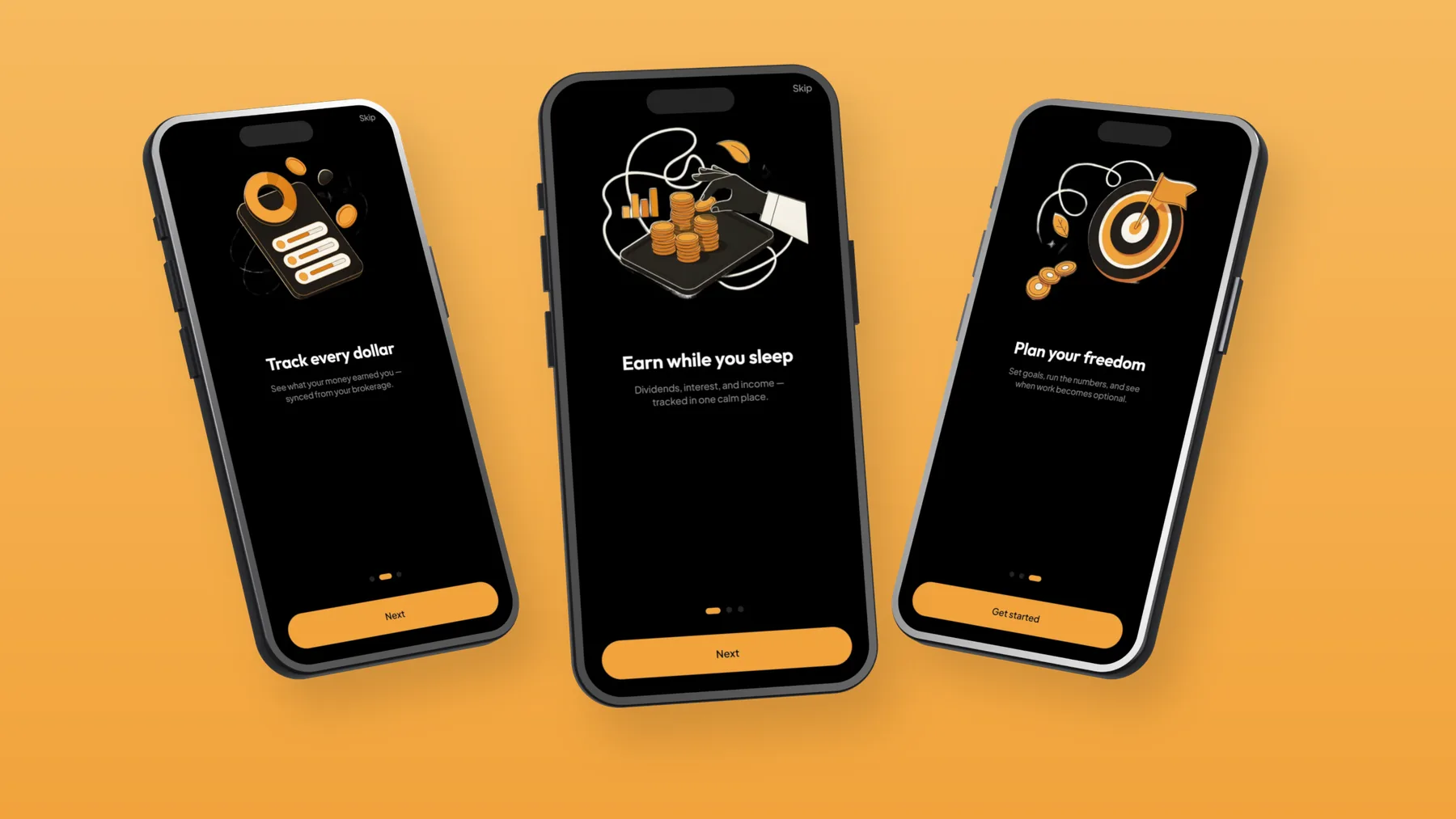
Track every dollar your money makes, in one calm place.
In testing
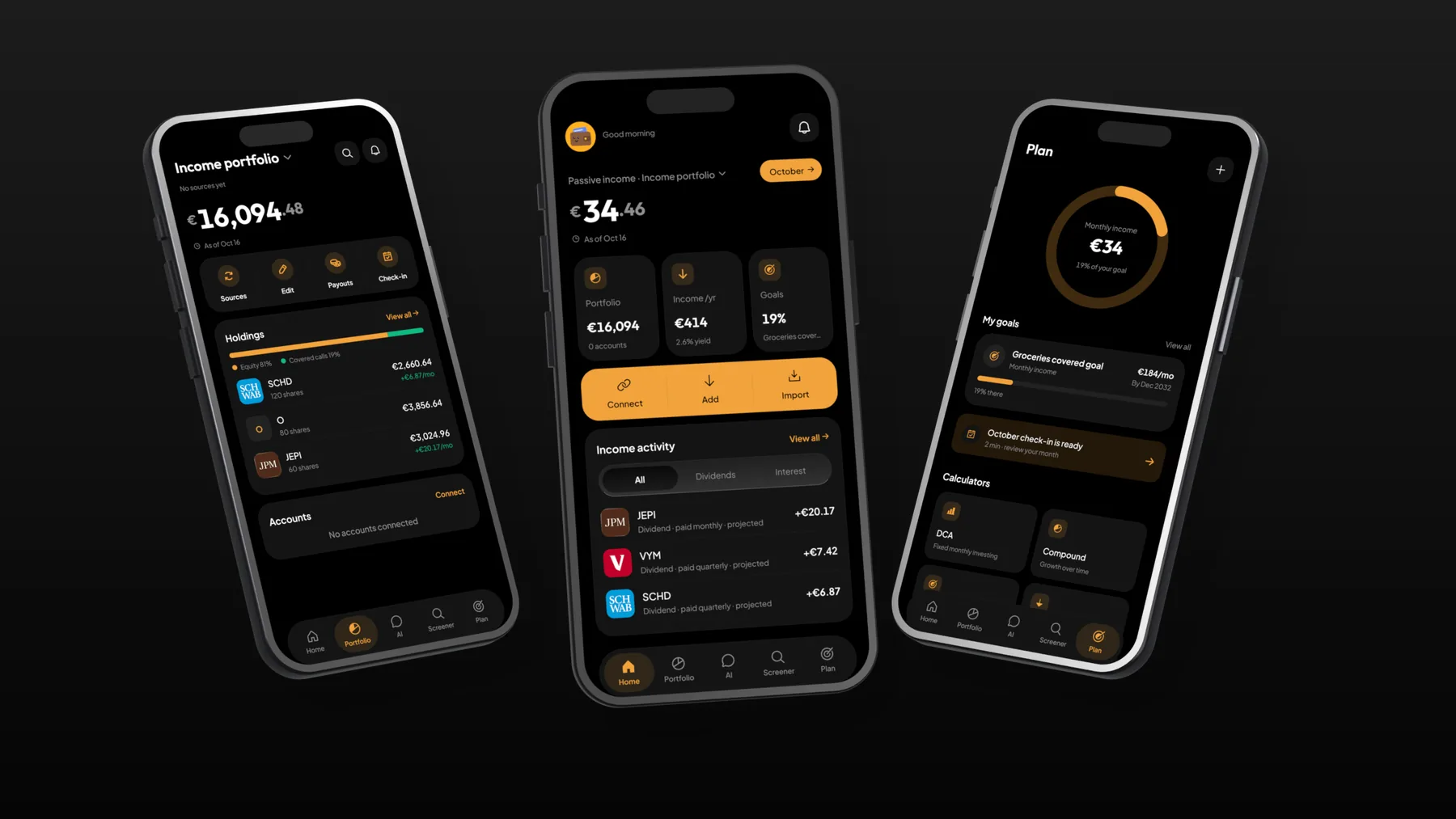
Earn while you sleep
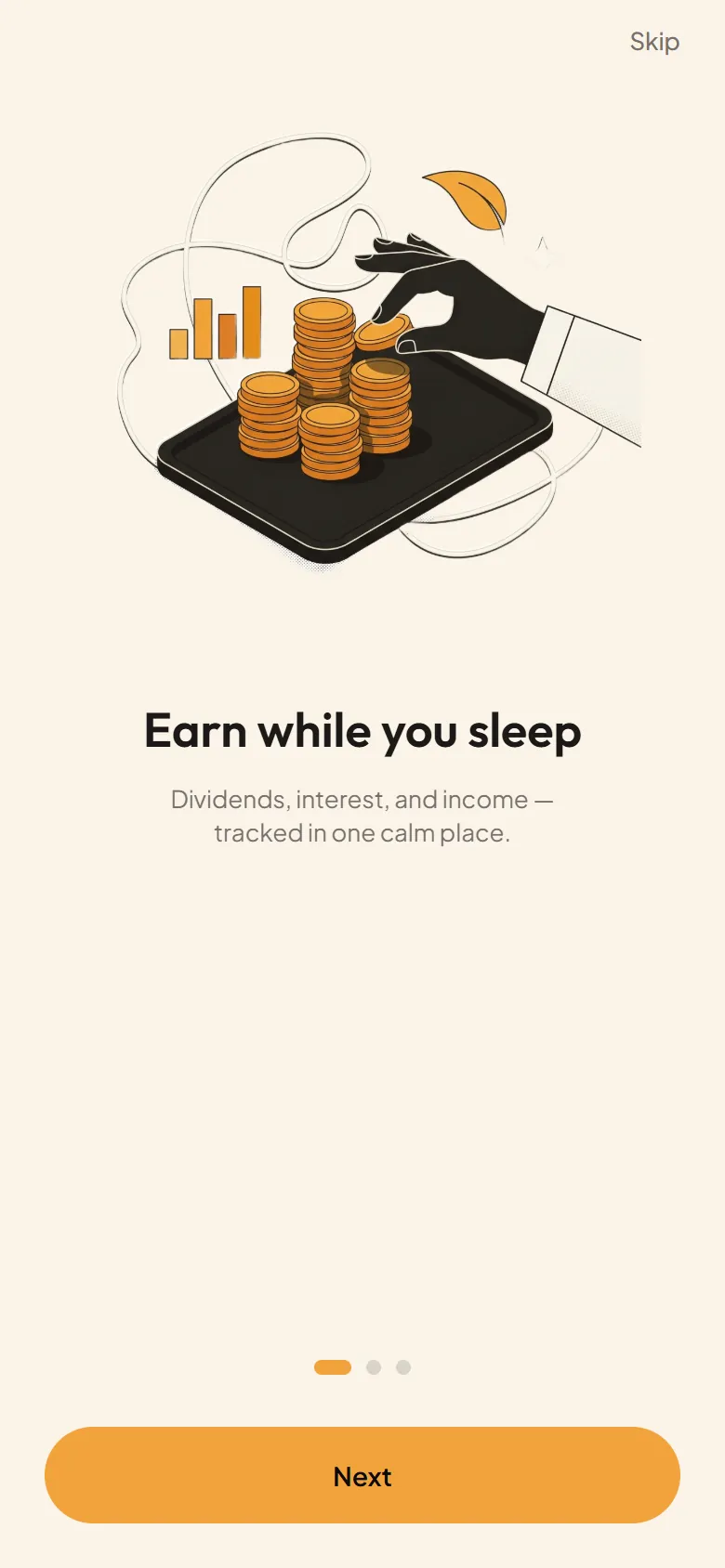
Brand board
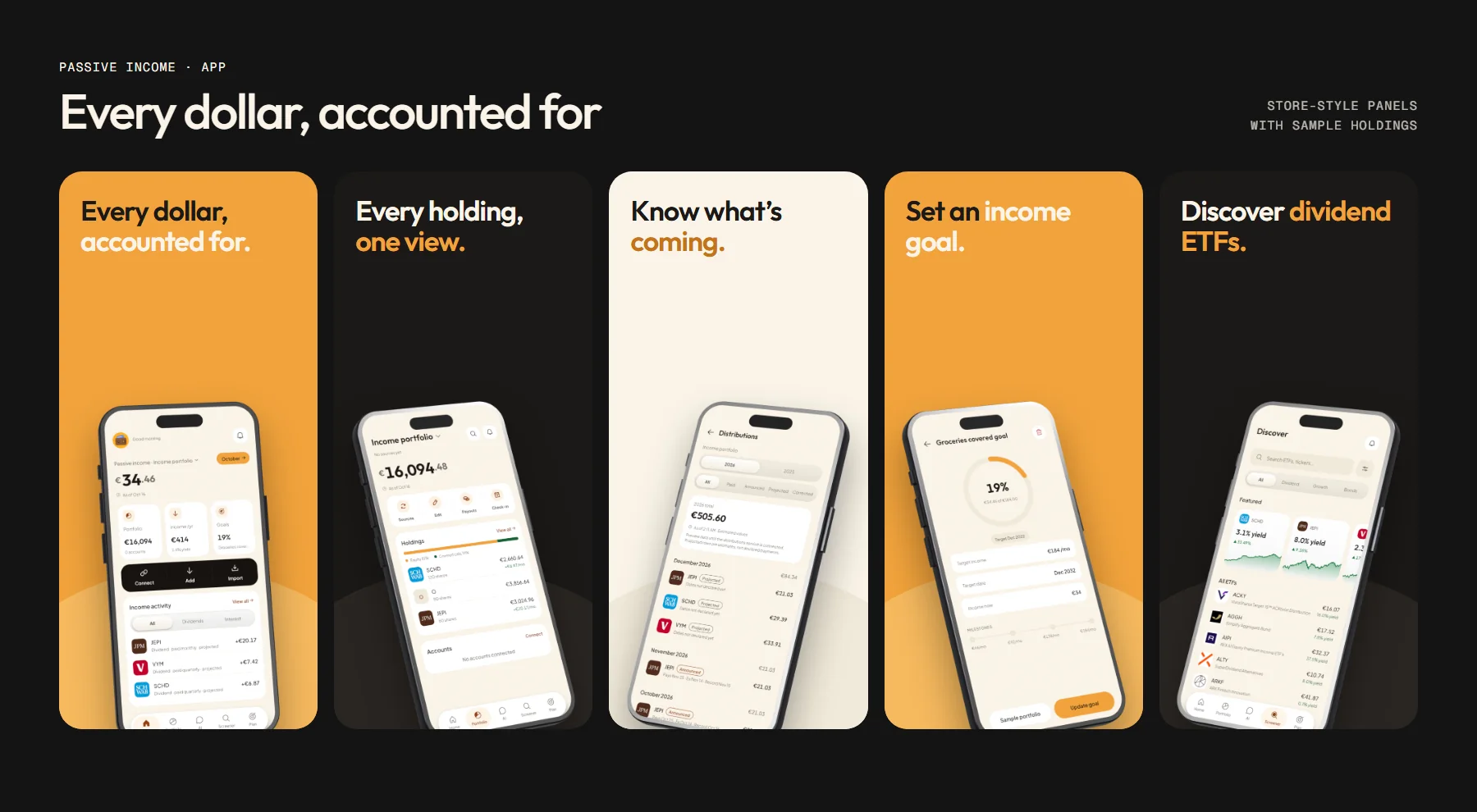
Every dollar, accounted for
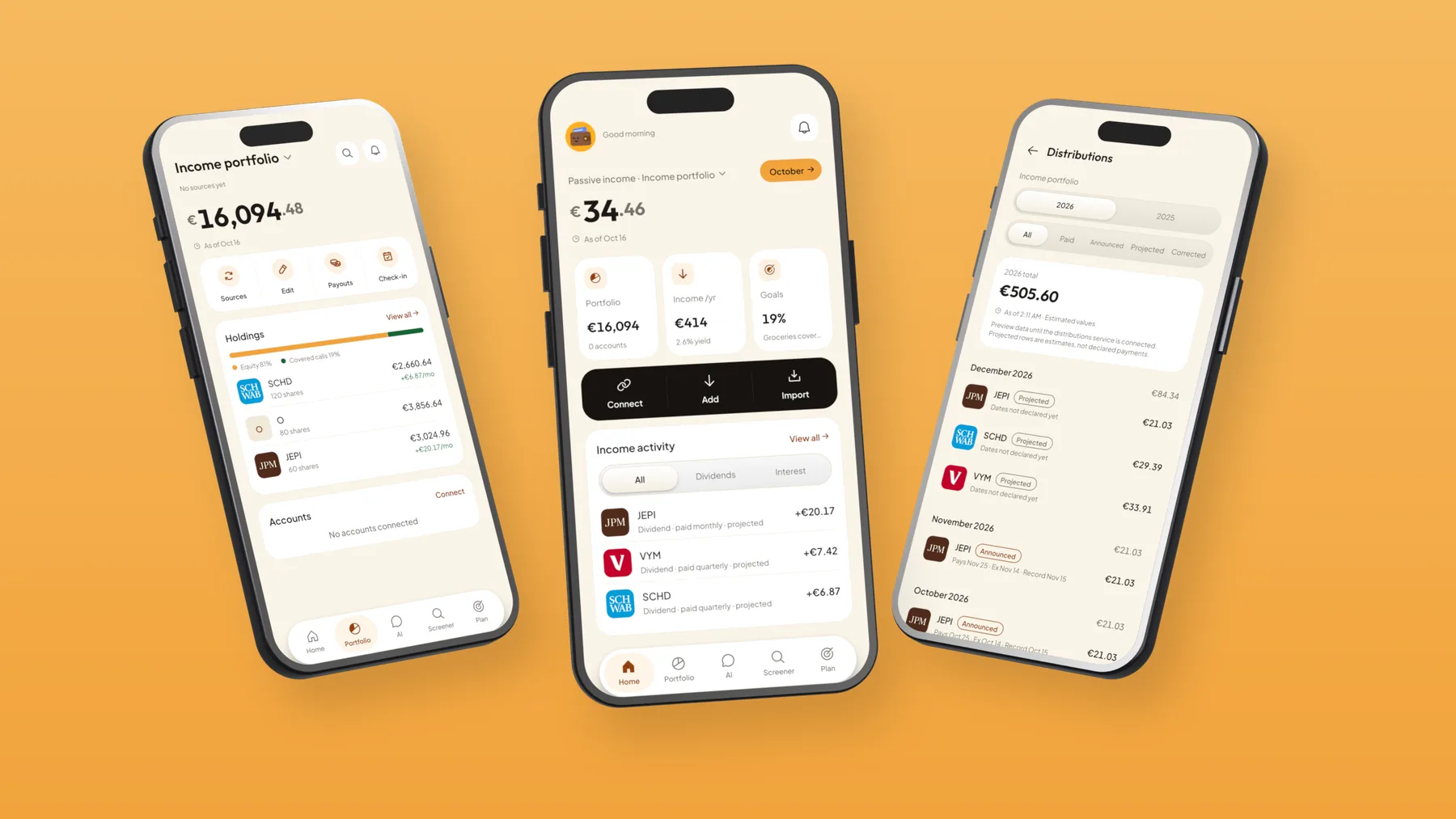
dividends, interest and distributions from every account
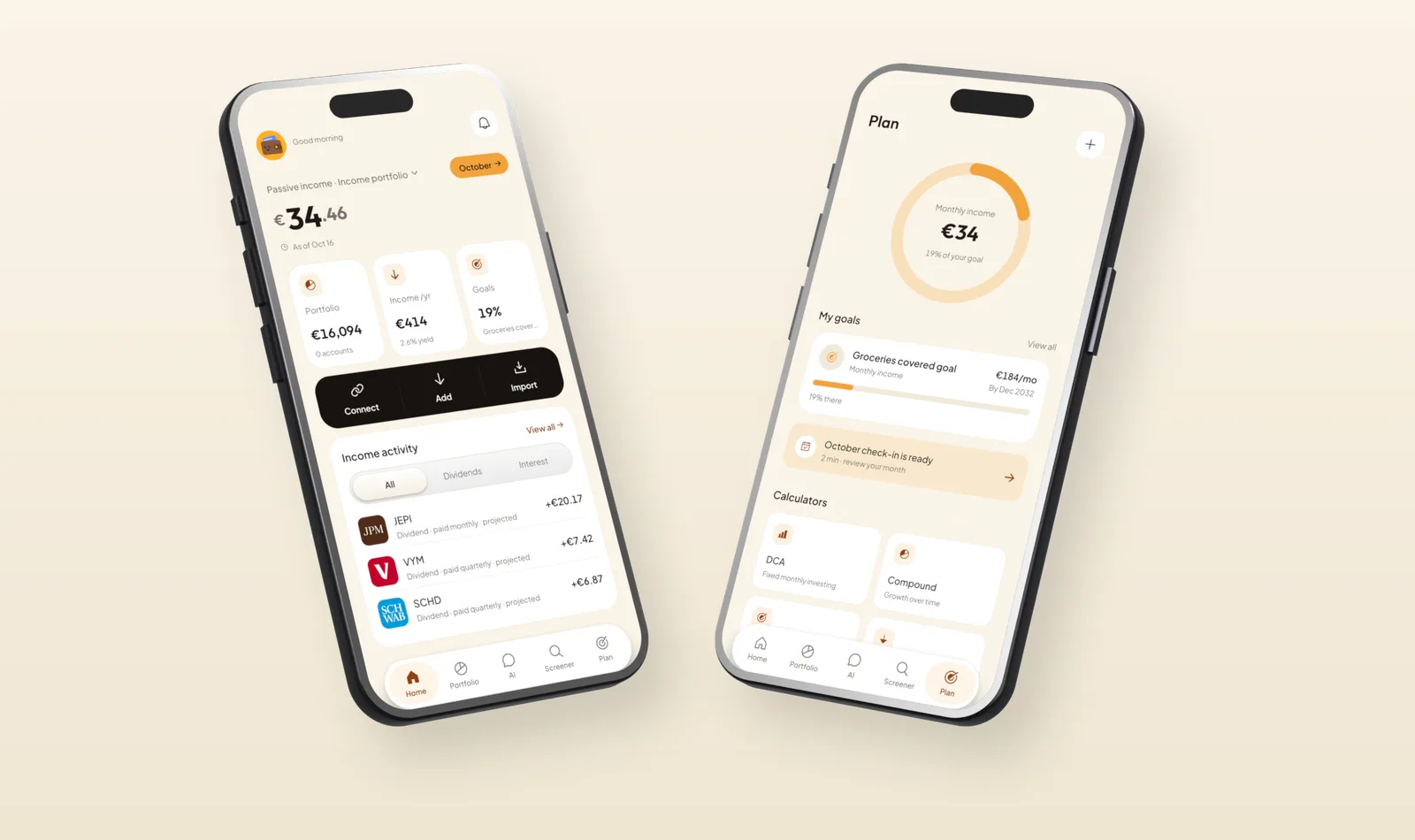

Aa Typeface: Outfit and Plus Jakarta Sans

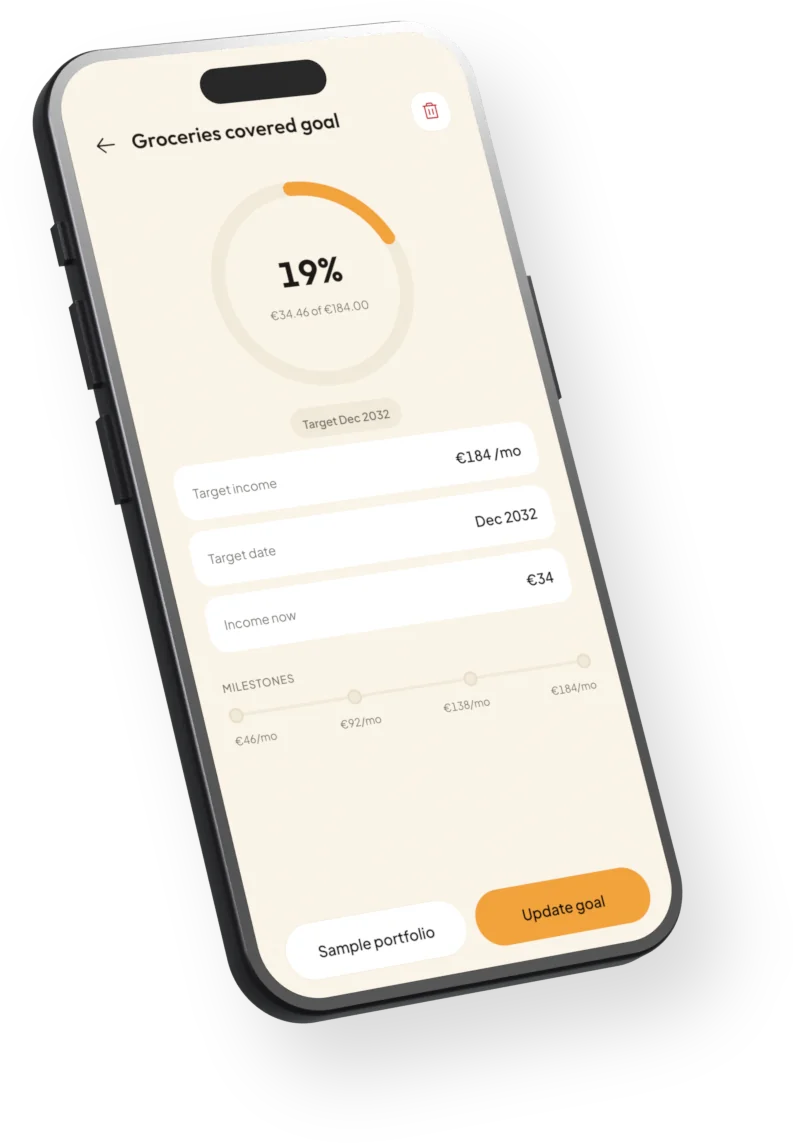
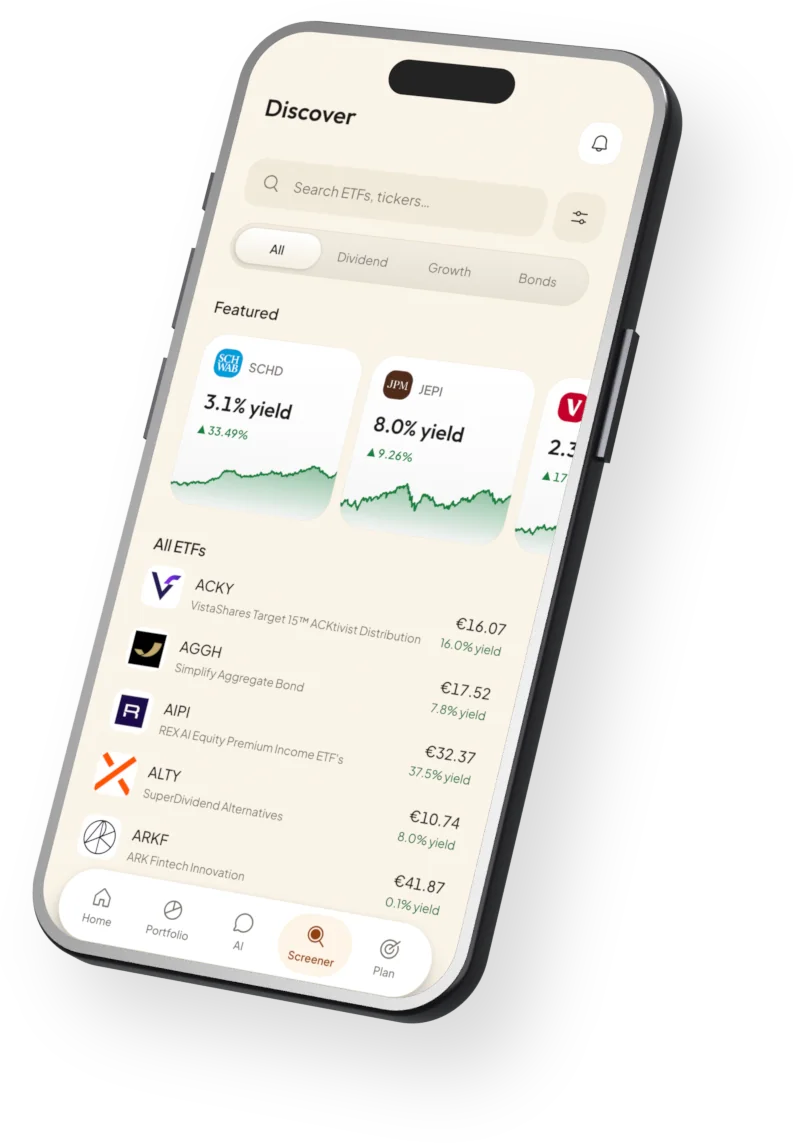
About
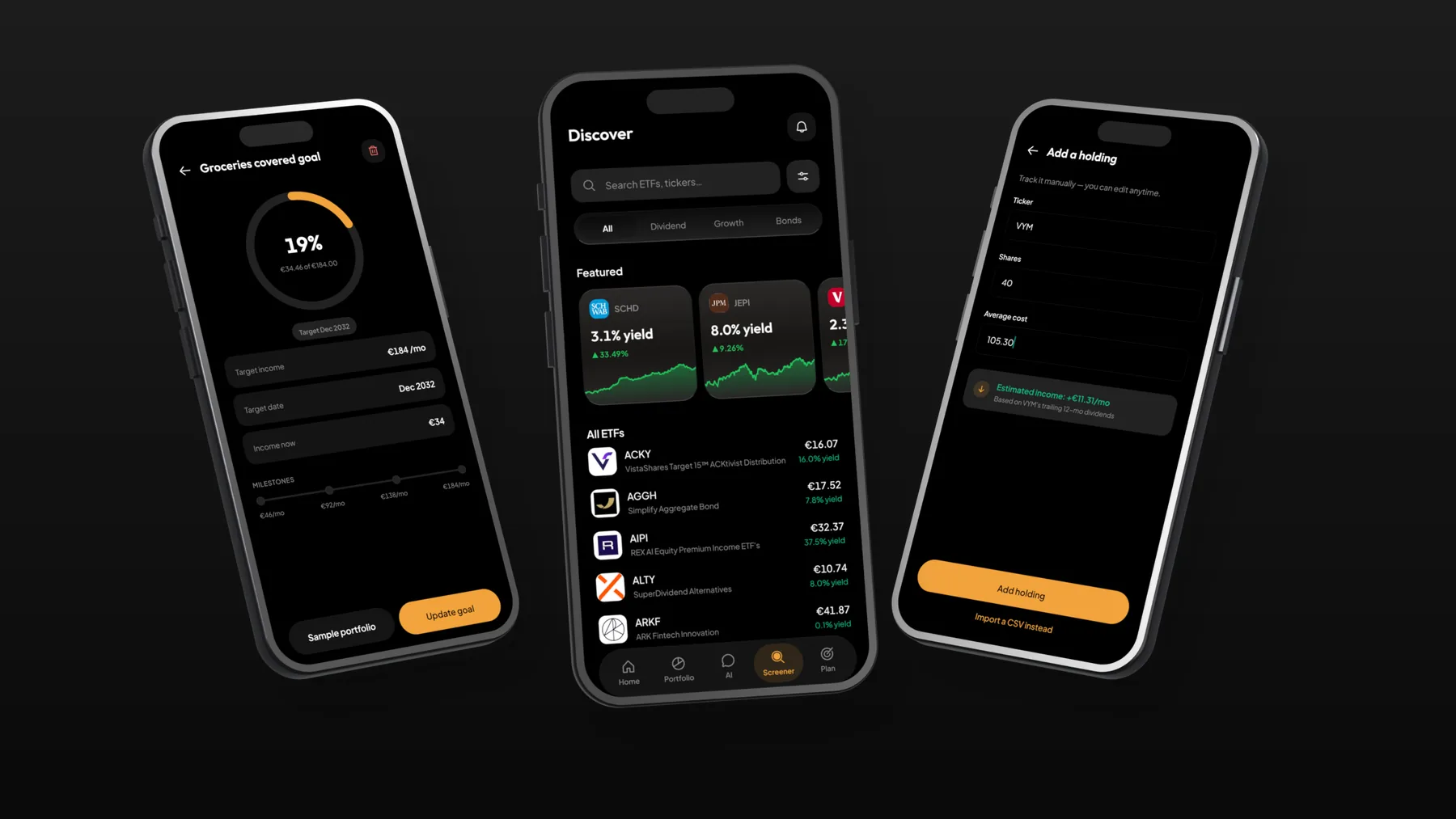
Passive Income helps income-focused investors in Canada and the US see what their money earns: dividends, interest and ETF distributions across every account, with goals, an income plan and six calculators. It connects to brokerages read-only, so it never sees broker credentials and can never trade or move money.
- Product design
- iOS and Android app
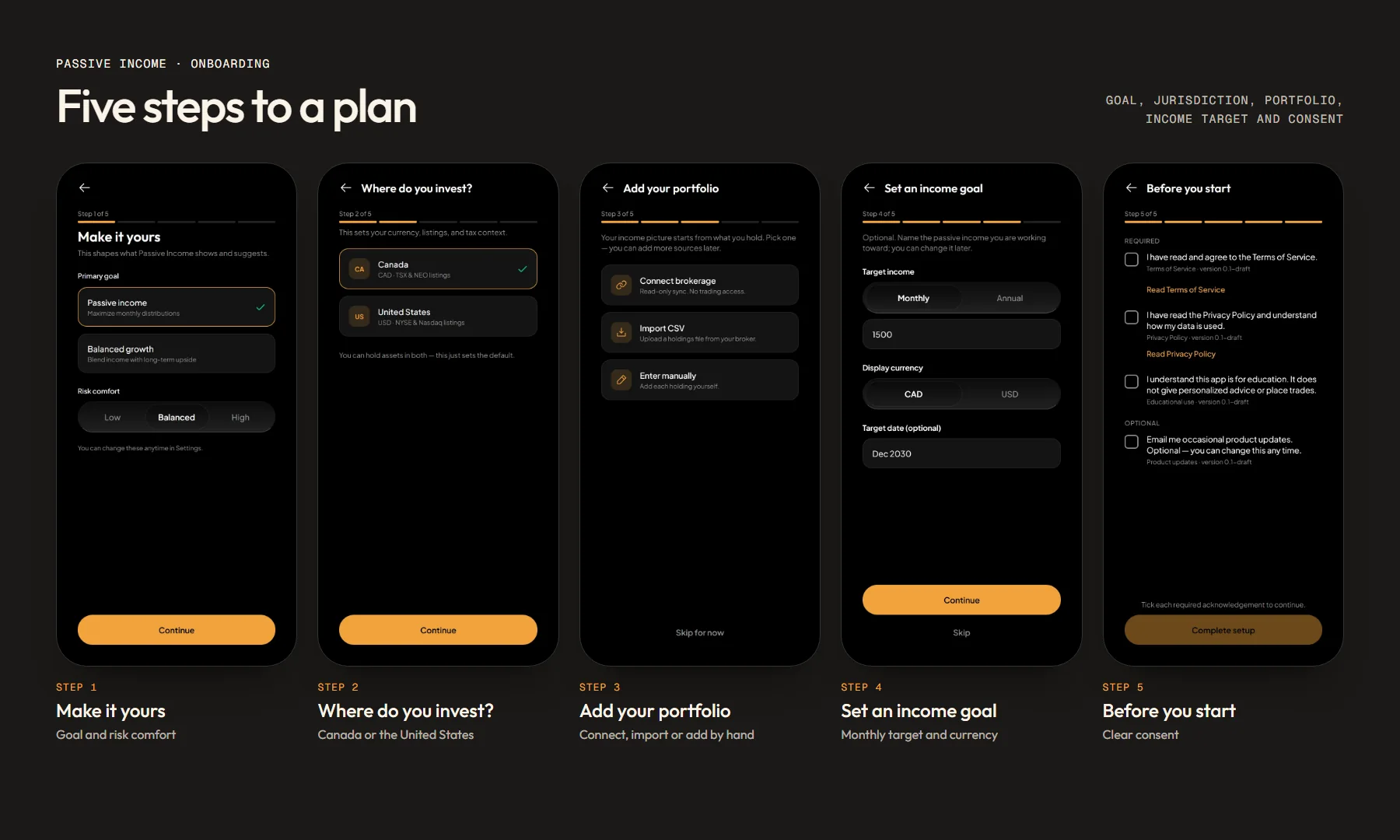
- Five-step onboarding
- Six calculators
- AI explainer
- Design system
What needed solving
Income investors track payouts across several brokerages, two currencies and a spreadsheet. The app had to bring it together, explain it in plain language and build trust, without ever giving financial advice.
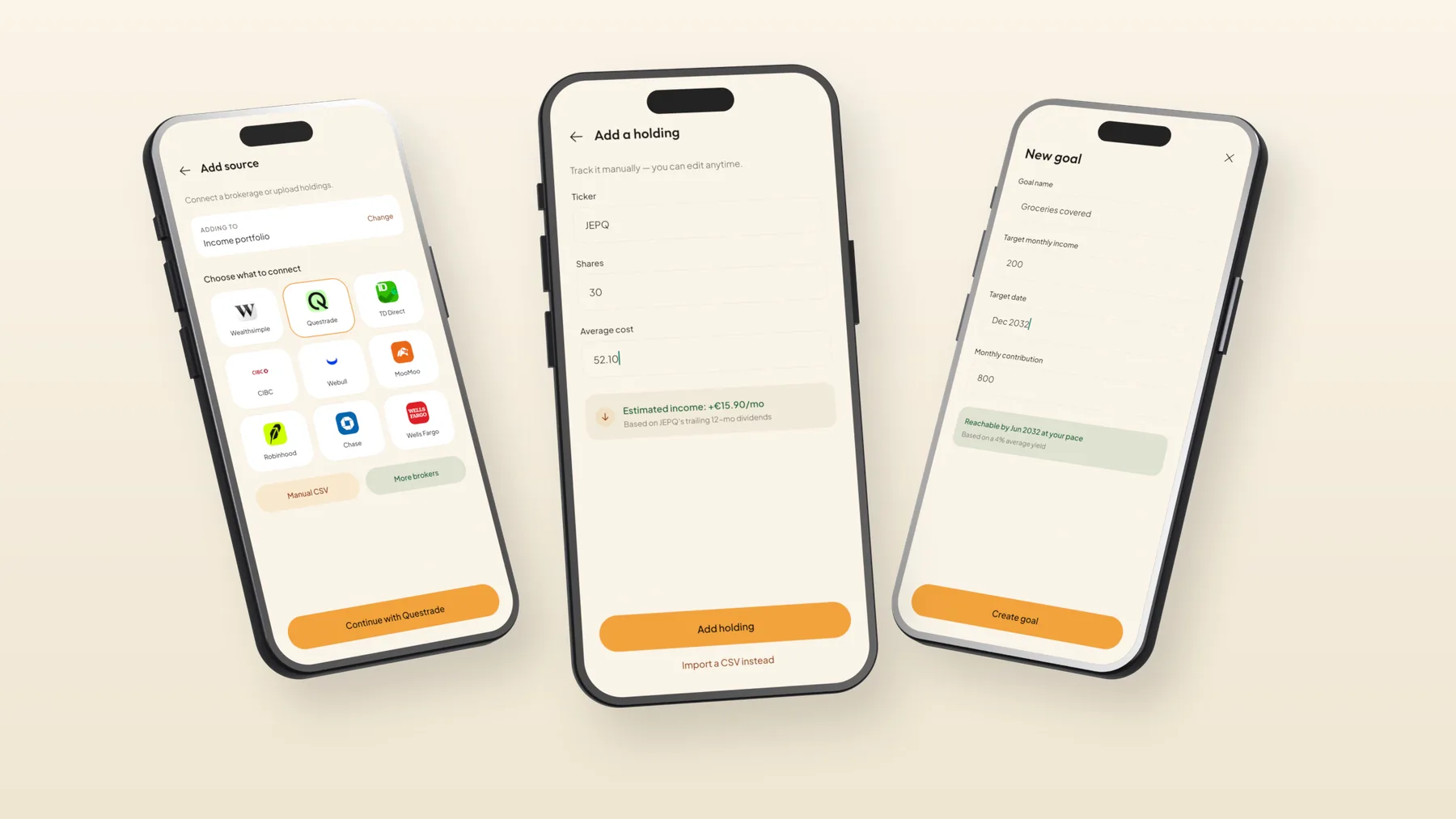
- Designed a five-step setup: goal and risk comfort, where you invest, how to add a portfolio, an income target, and clear consent.
- Offered three ways in: read-only brokerage sync, CSV import with a review step, or manual holdings.
- Built an AI tab that explains your own data and never recommends trades, introduced once with a plain disclaimer.
- Set a dark-first design with a warm cream light theme, big tabular figures for money, and an optional biometric App Lock.
Delivered
- Product design
- iOS and Android app
- Five-step onboarding
- Six calculators
- AI explainer
- Design system
Thanks for looking. Want one like this?